Bulk-load entire channels
NotebookLM's UI won't let you add a YouTube channel — only one video at a time. The skill bulk-loads up to 300 episodes from a single command. Huberman, Lenny, Tim Ferriss, anyone.
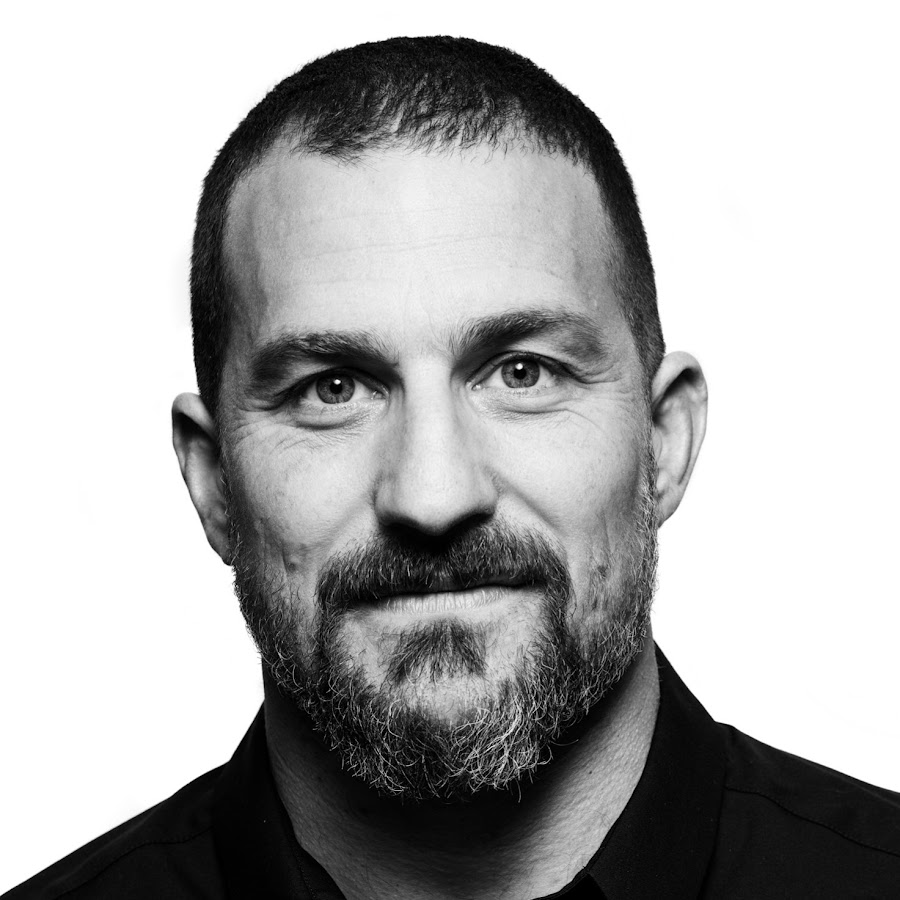 Huberman episodes. Now he's my health coach.
A Claude Code skill that bulk-loads any expert's YouTube channel into NotebookLM, runs a personalized interview about your goal, and writes a protocol with experiments tracked in Obsidian. Every recommendation cites the exact episode. Same pipeline works for any expert — health, product, business.
300 episodes per notebook · cited to the exact passage · free Claude skill, MIT-licensed · works for any YouTube channel.
NotebookLM's UI won't let you add a YouTube channel — only one video at a time. The skill bulk-loads up to 300 episodes from a single command. Huberman, Lenny, Tim Ferriss, anyone.
Claude can't make things up because every recommendation has to come back as a quote from a real transcript passage with a working episode link. If a citation isn't there, the answer didn't get made. Verifiable, not vibes.
300 episodes of transcripts would blow past Claude's context window 100x over. The transcripts stay in NotebookLM as the long-term brain; Claude only pulls the 3–5 cited passages relevant to your question. Cheaper runs, longer chats.
Claude interviews you about your goal, queries the notebook for what the expert actually said about your specific situation, and writes a protocol with experiments you run in Obsidian.
Runs the skill. Drives the interview and writes the protocol.
Stores the 300 episodes. Free Google account works (50-source cap).
Where the cited protocol, experiments, and daily logs land.
Optional — feed daily metrics in for personalized adjustments.
You don't need to know what uv or nlm login means. Open Claude Code in the desktop app, paste each prompt below in order, and Claude figures out what to install, where, and how. If anything fails, paste the error back in and ask it to fix — that's the workflow.
Want the full technical reference (free vs. NotebookLM Plus caps, how to repair failed sources, fork details)? The README on the repo has it: github.com/artemnovitckii/notebooklm-coach.
Grab the Claude desktop app from claude.com/download and sign in with your Pro or Max account.
Inside the app, click + New chat, then find Claude Code in the sidebar and click Add project. When it asks for a folder, pick or create one called coach in your home directory. That folder is where everything lives — Claude reads and writes here.
You don't need to know what these tools are. Claude will install them, verify they work, and tell you if anything failed. In your fresh Claude Code chat, paste:
› Install everything I need to run the notebooklm-coach skill:
  1. uv (the Python package manager)
  2. the notebooklm-mcp-cli tool
  3. the notebooklm-py tool with browser support
  4. the Chromium browser playwright needs

  Then verify each is installed and tell me what you see.
Claude will run the install commands one by one in your terminal, ask you to allow each, and report back. If anything errors, paste the error message back in and ask it to fix.
Logging in opens browser windows that Claude can't click for you. But Claude runs the commands and guides you through what to do in each browser window. Paste:
› Help me log in to NotebookLM. There are two CLIs that need
  separate logins (nlm and notebooklm). Walk me through both,
  make sure I'm using the SAME Google account on each, then
verify both logins worked before we move on.The skill itself is a folder on GitHub. Claude clones it into the right place and tells you to restart the app so it picks up the new skill:
› Install the notebooklm-coach skill from
  https://github.com/artemnovitckii/notebooklm-coach
  into my Claude Code skills directory, then tell me how to
  restart the app so it picks up the skill.
Once you restart the desktop app and open your coach project again, type /skills in chat to confirm notebooklm is listed.
Now the fun part. Pick your channel (Huberman, Lenny, whoever) and paste:
› Load this YouTube channel into a new NotebookLM notebook
  called "huberman health":
  https://www.youtube.com/@hubermanlab

  I'm on free NotebookLM, so only load the 50 most recent
  episodes. (If you have Plus/Pro, say "load the 300 most
  recent episodes" instead.)
Claude scrapes the channel, creates the notebook, and bulk-uploads the episodes (~3–8 min). It'll narrate progress and tell you when to wait for NotebookLM to finish indexing (~5 more min after upload).
Tell Claude your goal in plain English. It queries the notebook with your situation, runs an interview, and writes a 4-week protocol with experiments you can track. Paste:
› I want to improve my HRV. Interview me using the huberman
  notebook, then build me a 4-week protocol with experiments
  I can track. Cite every recommendation back to a specific
  episode so I can verify it.
What comes back:
coach folder, with start date, end date, source episode, check-in cadence.Once you have the protocol, keep going: "rewrite assuming I can only train 3x/week", "what does Huberman say specifically about cold exposure for HRV?", "merge in my whoop data and adjust".
The protocol from step 06 is built on the expert's research alone. To make it actually yours, feed in your real biometrics — recovery scores, sleep, HRV, resting heart rate, workouts. Claude reads them straight from a file in your coach folder.
Whoop — export from whoop.com/account/data (Account → My Data → Export). You get a zip with CSVs. Unzip it and drop the folder into your coach project.
Apple Health — on iPhone, open the Health app → tap your profile (top right) → Export All Health Data. Share the resulting export.zip to your Mac (AirDrop is easiest). Unzip and drop the folder into your coach project too.
Then paste:
› I just dropped my Whoop export (or Apple Health export)
  into this project. Read the last 30 days of recovery, sleep,
  and HRV data, summarize my baseline + trends, then rewrite
  my 4-week protocol so each weekly experiment targets the
  biggest gap you see in my data. Cite the Huberman episode
  behind each adjustment.
Claude finds patterns you'd miss in the noise — mine surfaced "HRV consistently tanks the day after Zyns past 2pm" from cross-referencing the daily logs with Huberman's episode on nicotine + sleep.
coach folder. Nothing leaves your machine except the relevant snippets Claude sends to Anthropic to think about your question.The basic loop works without Obsidian — Claude writes experiment files into your coach folder either way. But Obsidian + the morning-routine skill turns it into a coach that checks in on you daily.
Install Obsidian and open your coach folder as a vault. Then paste:
› Set up the morning-routine skill from the notebooklm-coach
  repo and wire it into my Obsidian vault. Make sure the
  Dataview plugin is enabled. Then explain how I trigger the
  daily check-in.
After that, every morning you just type "morning check-in" in Claude Code. It pulls your Whoop / Oura data (if connected), asks how the day went, updates the experiments, writes a daily log.
Swap the channel, get a different coach. The expert-interview pattern is the same regardless of domain.
Sleep, recovery, stress, supplements. Feed in your Whoop or Oura data and ask why your HRV is tanking. Mine surfaced 'no Zyns after 2pm' cited to a specific episode.
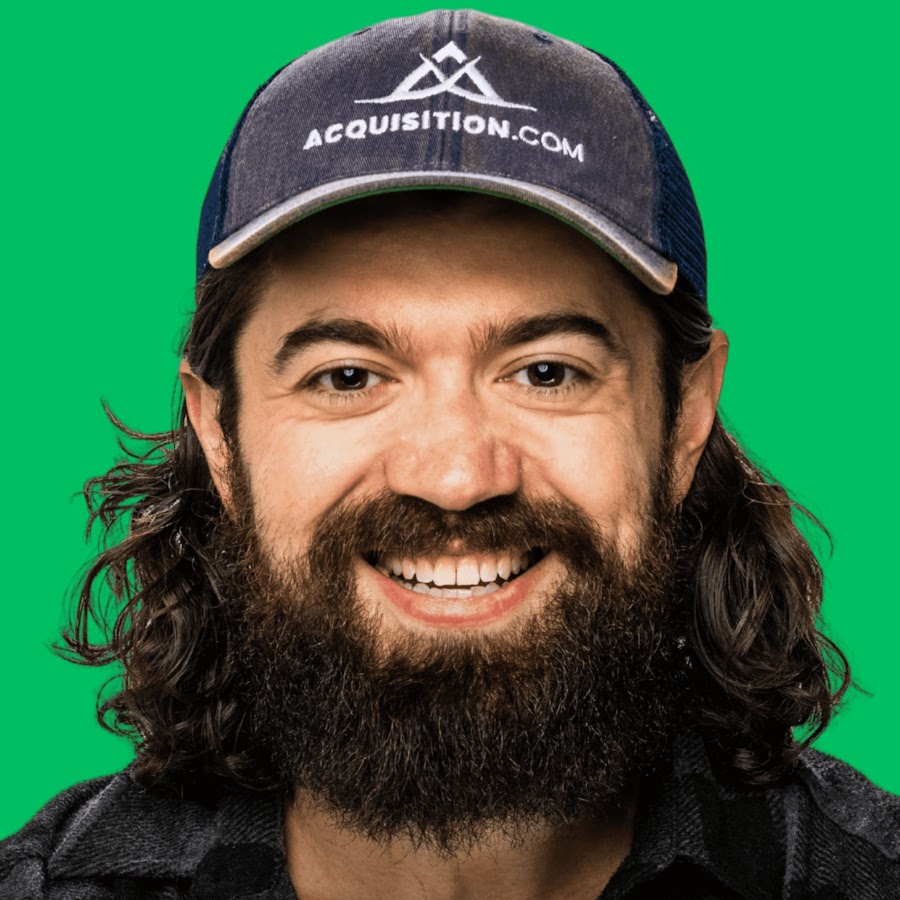
Offers, pricing, lead-gen, acquisition. Load Acquisition.com plus the 100M Offers / 100M Leads content. Ask why your sales calls aren't closing and get the move with the cited timestamp.
Long-term thinking, decision-making, leverage, happiness. Cited to actual Naval episodes and tweetstorms — no Reddit-paraphrased nonsense in the answers.
Not to start. Free Google accounts cap at 50 sources per notebook — fine for most channels' top episodes. Plus/Pro raises it to 300. If you load 300 on a free account the extra ~250 show up as failed (red) rows, which looks like a bug but is the tier limit. The skill defaults to 300; pass --count 50 on free.
Because NotebookLM is a notebook, not a coach. It answers what you ask. The skill turns it into a coach: Claude does the asking based on YOUR goal, runs the whole interview, builds a protocol, writes experiments into Obsidian, and a separate morning-routine skill checks in on you daily. NotebookLM is the brain; Claude is the personal trainer.
Yes — same pipeline, any YouTube channel. Health was the demo because Huberman has 400+ episodes and a clear protocol layer. Lenny's Podcast → product coach. My First Million → business coach. Same loader, same interview pattern.
The protocol and experiments still get written — just to plain markdown files in your project folder. You can read them in any editor. Obsidian just makes the experiment-tracking and daily-check-in flow smoother because of Dataview.
Drop your email to unlock this guide — and every resource in the library. Free, one email a week, unsubscribe anytime.
If turning experts into your stack is your thing, these four pair well — Claude Code skill packs, the second-brain setup, and the personal-AI-assistant guide.
These are the 5 agent skills I use every single day to get production-grade code from Claude Code. Each one is a small markdown fi…
Read guide ↗Everything you need to build your personal knowledge base — based on Andrej Karpathy's system Why This Changes Everything Most peo…
Read guide ↗This thing negotiated my deals, found me a cheap flight to Bali, and it all runs straight from WhatsApp. The Problem With Building…
Read guide ↗The exact guide to stop ChatGPT, Claude, and Gemini from getting worse over time. Why Your AI Is Getting Worse Every time you use …
Read guide ↗20 minutes to install. One prompt to interview yourself against 300 episodes of expertise. Cited fixes, real experiments, no hand-waving.
Moshn / AI automation agency
Moshn builds AI systems around the tools your team already uses, from lead qualification and follow-ups to onboarding and reporting.
Book a call. Tell us what your team is doing manually, and we'll show you what can be automated.